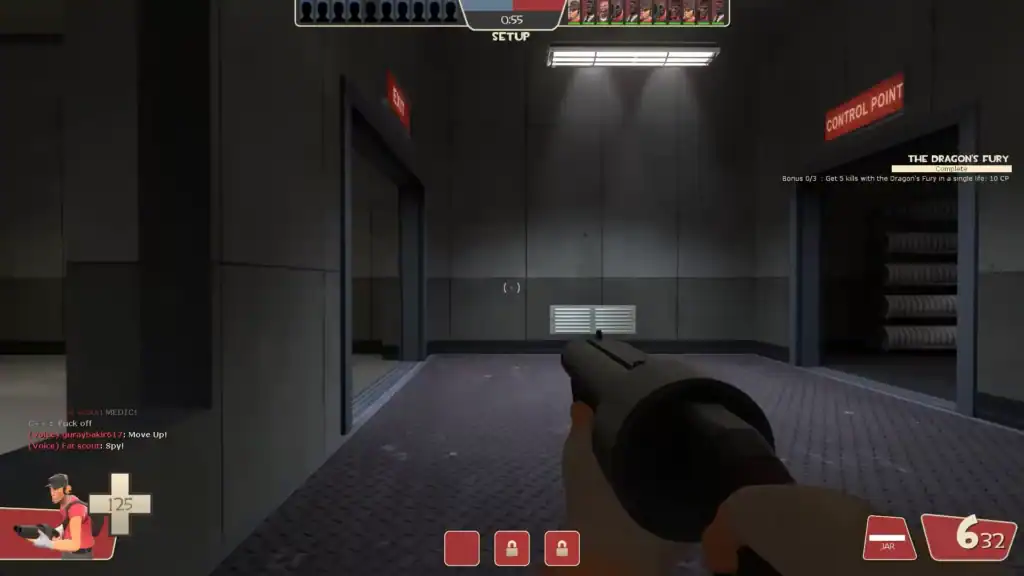
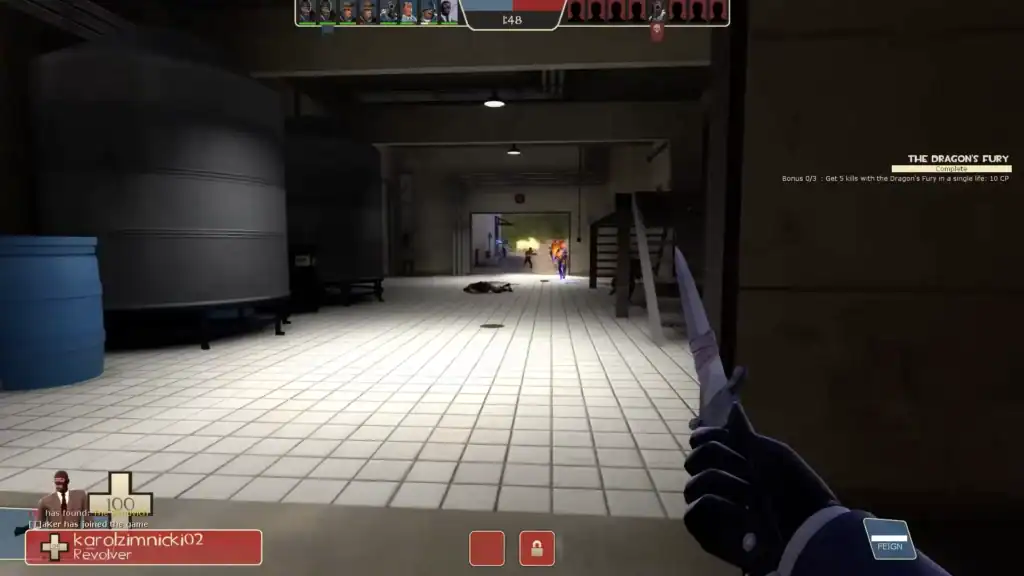
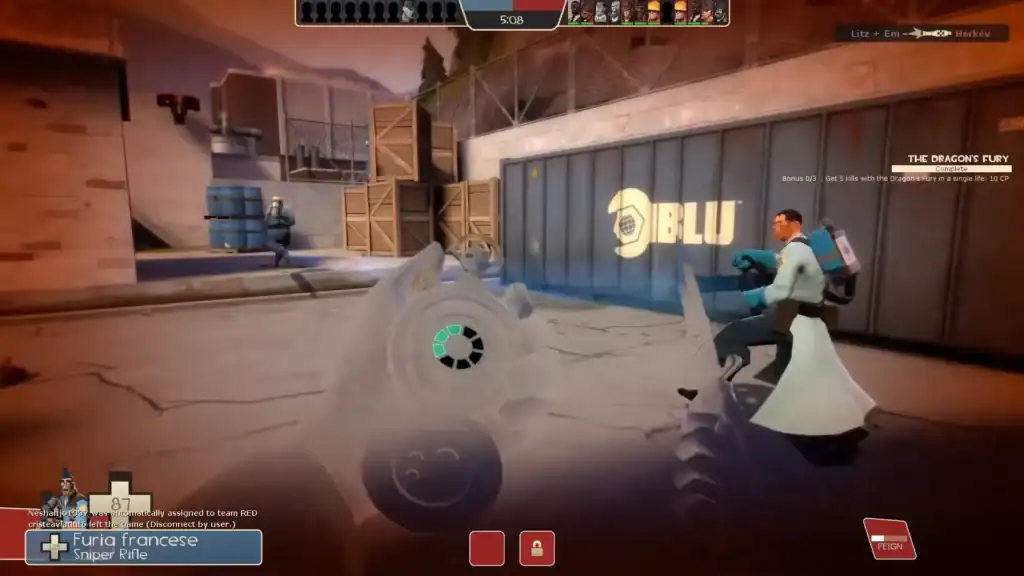
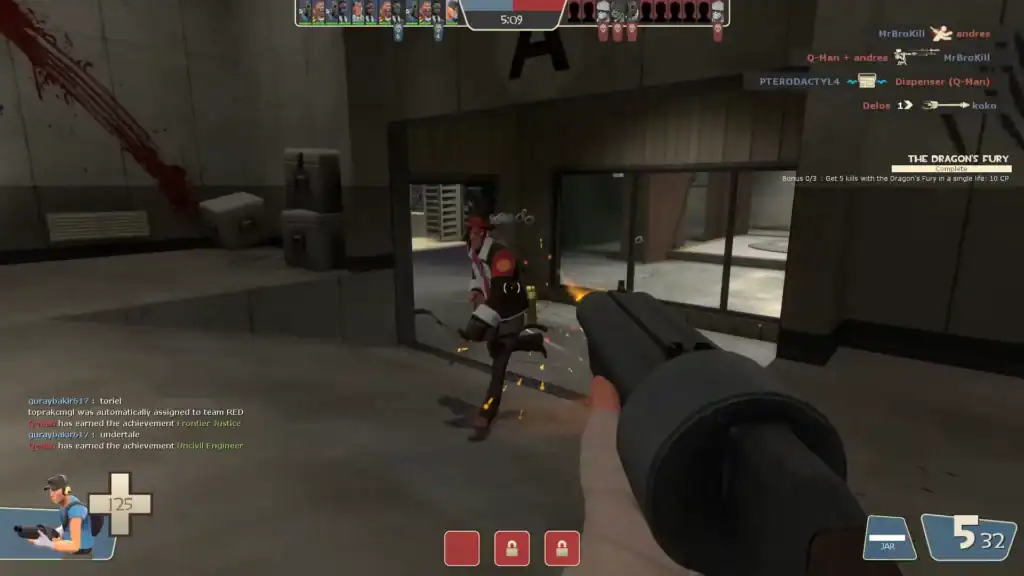
Team Fortress 2, Valve’s iconic team-based multiplayer shooter, has been a staple in the PC gaming community since its release in 2007. Known for its cartoonish art style, unique character classes, and fast-paced gameplay, TF2 continues to maintain a loyal player base.
While most players associate TF2 with mouse and keyboard controls, a common question from new and console-oriented gamers is: Does TF2 have controller support? The answer is yes, but with some important caveats.
TF2 does offer native controller support, primarily through Steam’s built-in controller configuration system.
This means that players can plug in a controller, such as an Xbox, PlayStation, or Steam Controller, and begin configuring their controls within Steam’s Big Picture Mode or the controller configuration overlay.
However, TF2 was originally designed with mouse and keyboard controls in mind. As a result, the controller support is functional but not optimized out of the box.
Players using controllers may find the default setup clunky or insufficient for the fast reflexes and precise aiming the game often demands.
One of the advantages of playing TF2 on Steam is Steam Input, which allows for deep customization of controller bindings. Players can remap every button, adjust sensitivity, create radial menus, and even set up gyroscopic aiming (if the controller supports it).
This level of customization makes it possible to create a controller scheme that works reasonably well for casual play.
Community-created controller profiles can also be browsed and imported directly through Steam, making it easier for newcomers to find setups tailored for TF2’s gameplay.
Despite the availability of controller support, there are several challenges when using one in TF2:
Precision Aiming:
TF2’s fast-paced shooting and movement favor the accuracy of a mouse. Classes like Sniper or Spy, which require pinpoint precision, are harder to play effectively with a controller.
Speed and Responsiveness:
Quick weapon switching, crouch-jumping, and rapid reaction times are more naturally handled with a keyboard and mouse setup.
Menu Navigation:
Navigating the in-game menus, loadouts, and console commands is generally more cumbersome with a controller, as the UI wasn’t specifically designed for gamepads.
That said, using a controller in TF2 isn’t without merit. Casual players who prefer the comfort of a controller, or those playing on a Steam Deck, can enjoy the game without needing a keyboard and mouse.
It’s also a viable option for practicing certain classes in less competitive environments or just relaxing with friends in casual matches.
Summary
While Team Fortress 2 does have controller support through Steam, it’s not the ideal way to experience the game for most players, especially in competitive modes. The native support exists and can be customized extensively, but it requires patience and tweaking to be effective.
For casual gaming or personal preference, a controller can work just fine—just don’t expect the same performance as you would get with a traditional mouse and keyboard setup.