
国外大站
get $5 in first trade, store discount 25% + 10%, top up bonus 25% + 10%
4TMR · DISCOVERY

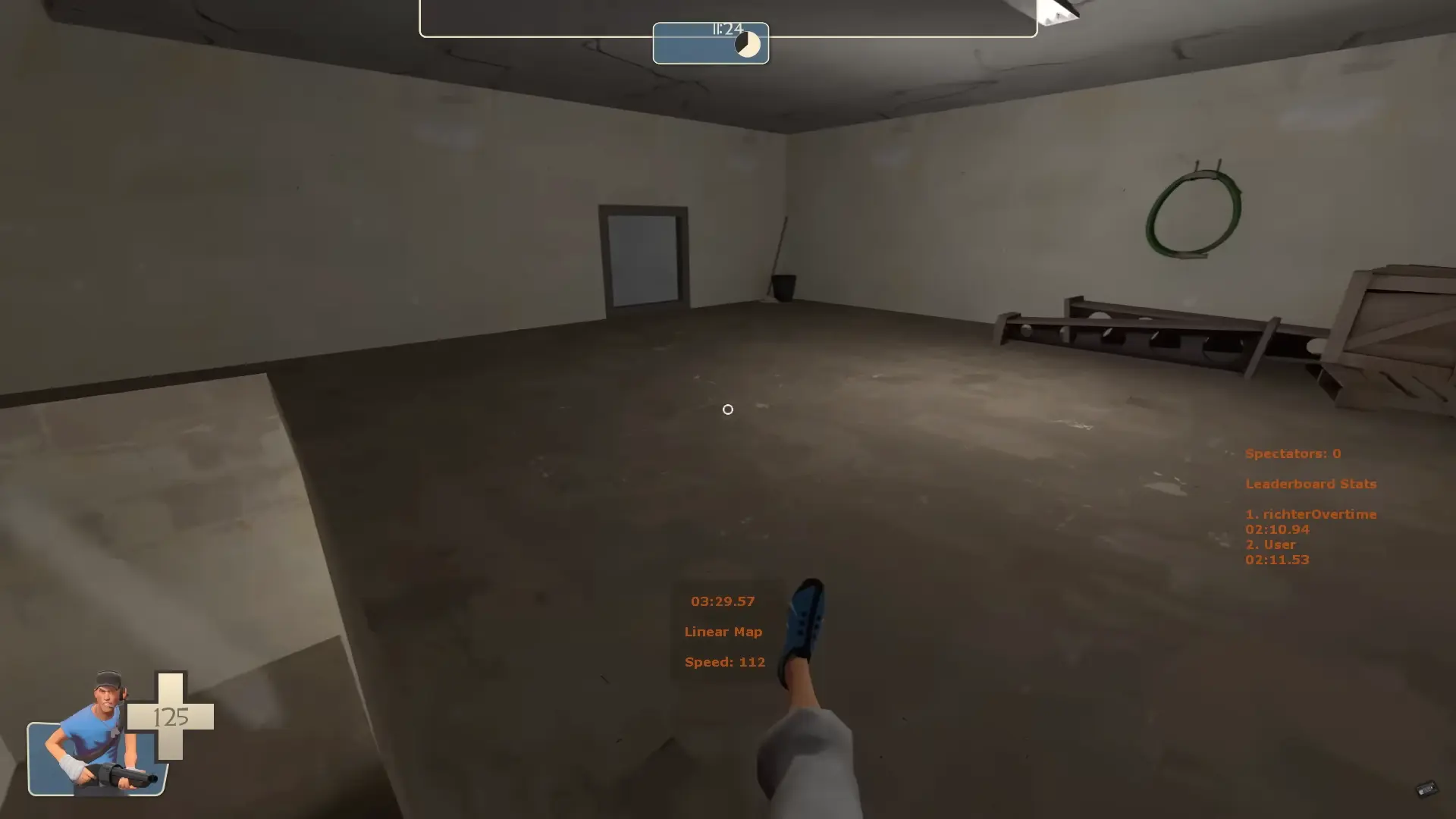
Team Fortress 2 has stood the test of time thanks to its addictive gameplay and vibrant community. One of the game’s most exciting aspects is its modding scene.
From custom HUDs and player models to sound packs and revamped maps, TF2 mods can breathe new life into the game. This guide will walk you through everything you need to know about installing and using TF2 mods safely and effectively.
 What Are TF2 Mods?
 Where to Find TF2 Mods
 How to Install TF2 Mods
 How to Use and Manage Mods
 Are TF2 Mods Safe?
 Popular TF2 Mods to Try
 Final Tips
 Summary
Mods (short for modifications) are custom files created by players or modders that alter aspects of the game. These can include:
TF2 is built on the Source engine, which is highly moddable, making it relatively easy to install and use custom content.
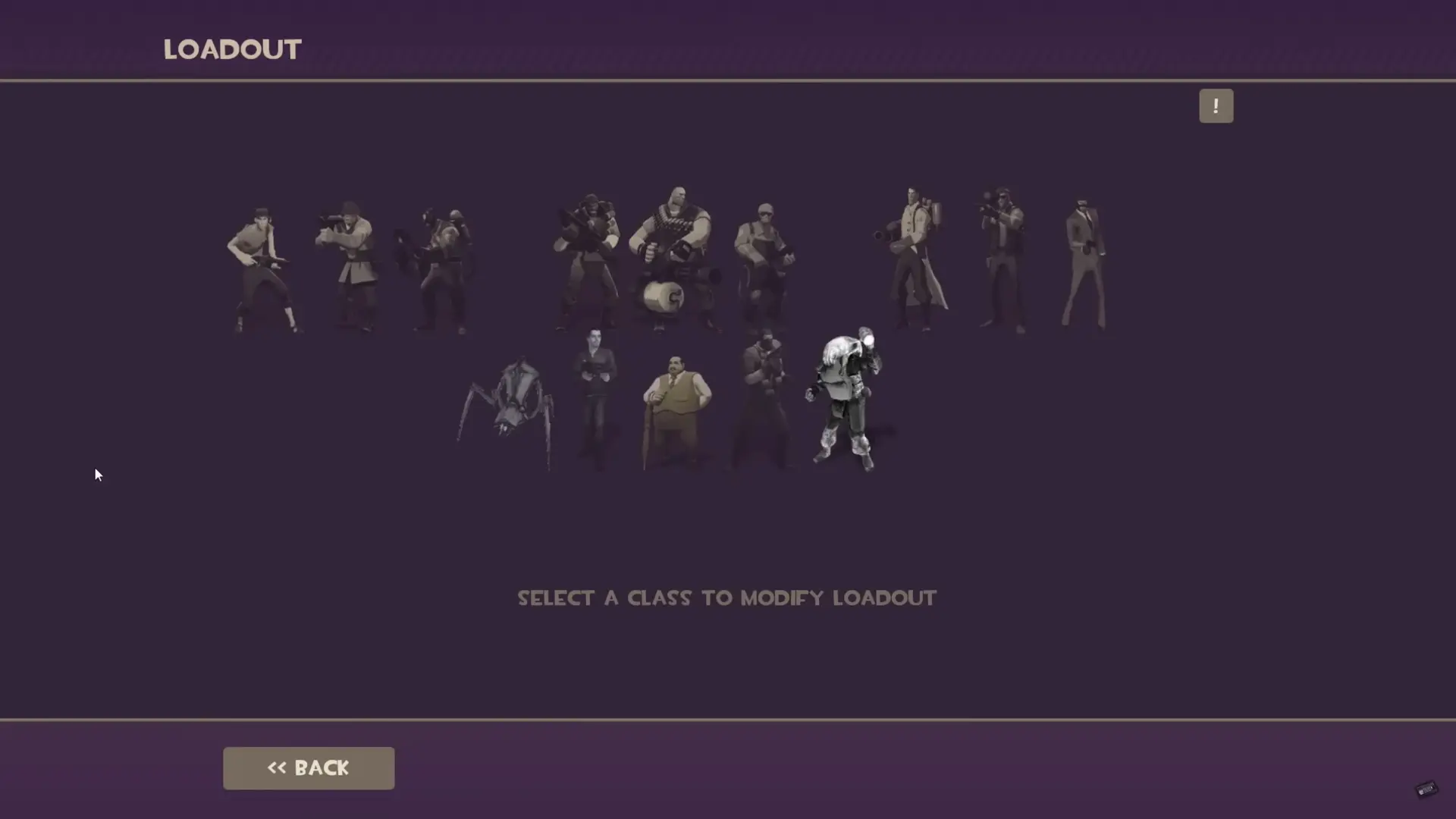
Always read user reviews and check for recent updates to ensure the mod is compatible with the current version of TF2.
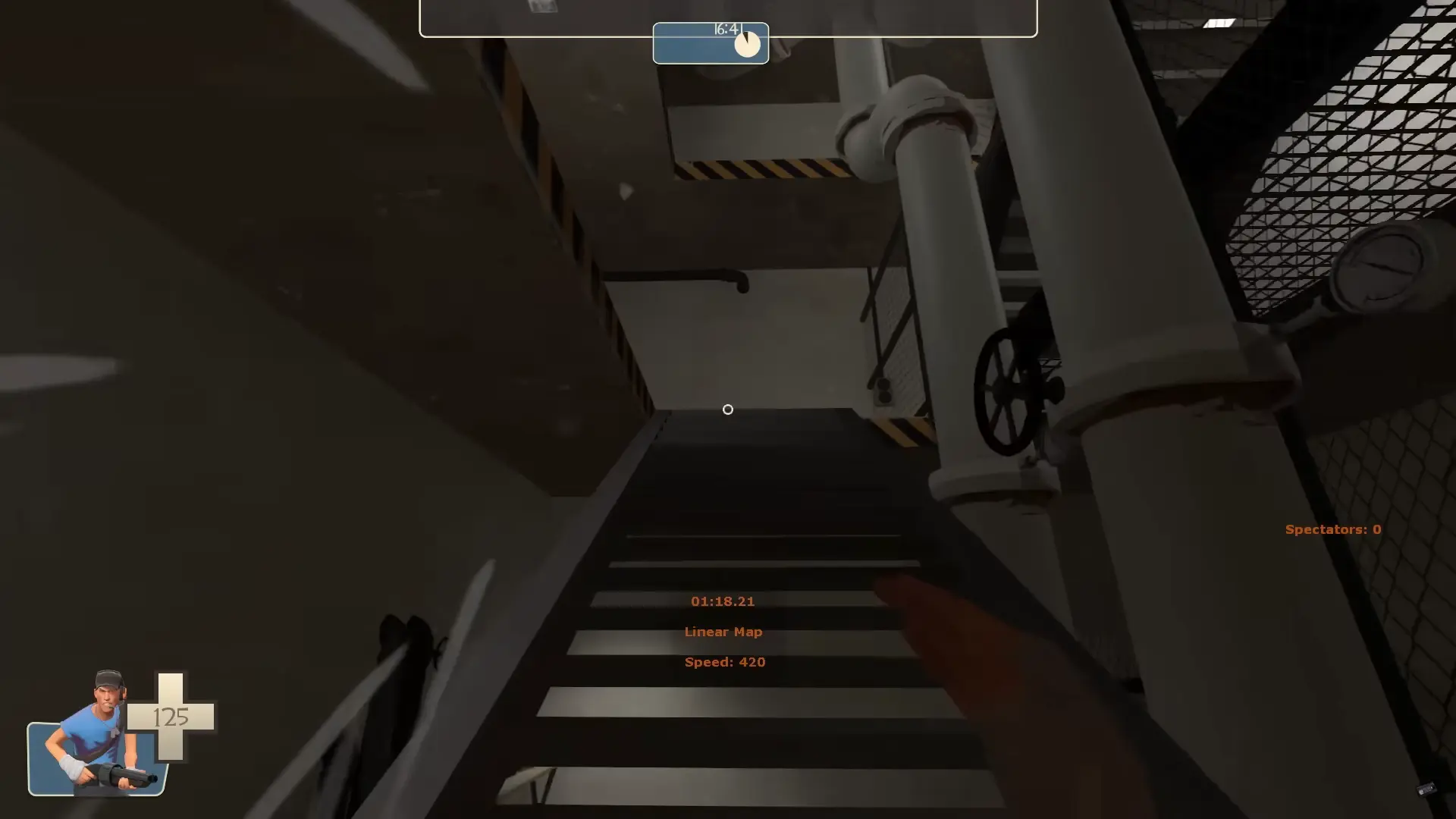
Step 1: Locate Your TF2 Directory
You’ll need to find your TF2 installation folder. The default path is:
C:\Program Files (x86)\Steam\steamapps\common\Team Fortress 2\tf
Step 2: Understand Folder Structure
Mods typically go into one of two folders:
Step 3: Install the Mod
Extract the downloaded archive into:
tf/custom/your_mod_folder/
Common subfolders include:
Step 4: Restart TF2
Restart the game to load your mods.
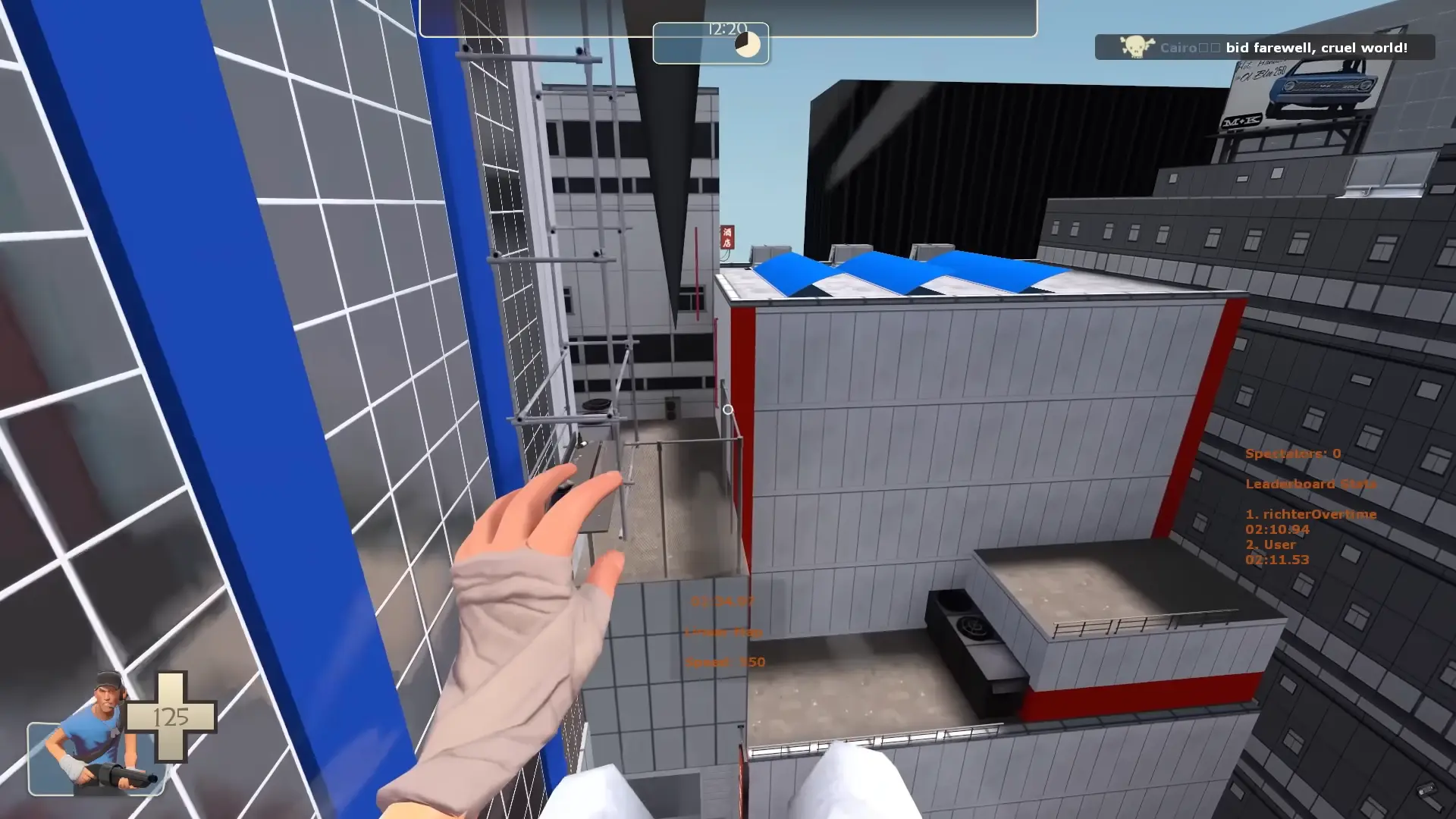
Mods in the custom folder are loaded automatically. To disable one, rename its folder (e.g., your_mod.disabled) or move it elsewhere. Delete the folder to remove it.
Place .cfg files in the cfg folder. Use autoexec or keybind scripts for advanced control.

Modding Team Fortress 2 is a fun and rewarding way to personalize your experience, whether you want a cleaner interface, new aesthetics, or simply some laughs. Just follow safe installation practices, and you’ll unlock a whole new layer of enjoyment in Team Fortress 2.
Cosmetic mods like HUDs and soundpacks are VAC-safe. Avoid cheats or anything that alters gameplay mechanics.
2. Do mods affect matchmaking?No, cosmetic mods won’t affect gameplay or matchmaking fairness.
3. Will mods break after TF2 updates?Some might. Always check for updated versions after major patches.
4. Can I use multiple mods at once?Yes, as long as they don’t overwrite the same files. Organize them in separate folders.
5. How do I uninstall a mod?Just delete or rename its folder inside the tf/custom directory.
6. Are mods allowed in competitive play?Most HUDs and sounds are fine, but check league rules if you play competitively.
7. Can I make my own TF2 mod?Absolutely. Use Source SDK tools, VTFEdit, and community tutorials to get started.
国外大站
get $5 in first trade, store discount 25% + 10%, top up bonus 25% + 10%