tradeit.gg/blog/wp-content/uploads/2024/12/cs2viewmodel.png" class="attachment-asona-blog size-asona-blog is-object-fit object-fit-wider" alt="Learn more about the cs2 viewmodel and how to choose the best options depending on your unique playstyle preferences." data-type="single" data-no-lazy="true" decoding="async" srcset="https://tradeit.gg/blog/wp-content/uploads/2024/12/cs2viewmodel.png 1920w, https://tradeit.gg/blog/wp-content/uploads/2024/12/cs2viewmodel-300x169.png 300w, https://tradeit.gg/blog/wp-content/uploads/2024/12/cs2viewmodel-1024x576.png 1024w, https://tradeit.gg/blog/wp-content/uploads/2024/12/cs2viewmodel-768x432.png 768w, https://tradeit.gg/blog/wp-content/uploads/2024/12/cs2viewmodel-1536x864.png 1536w" sizes="(min-width: 1024px) 958px, 100vw" />
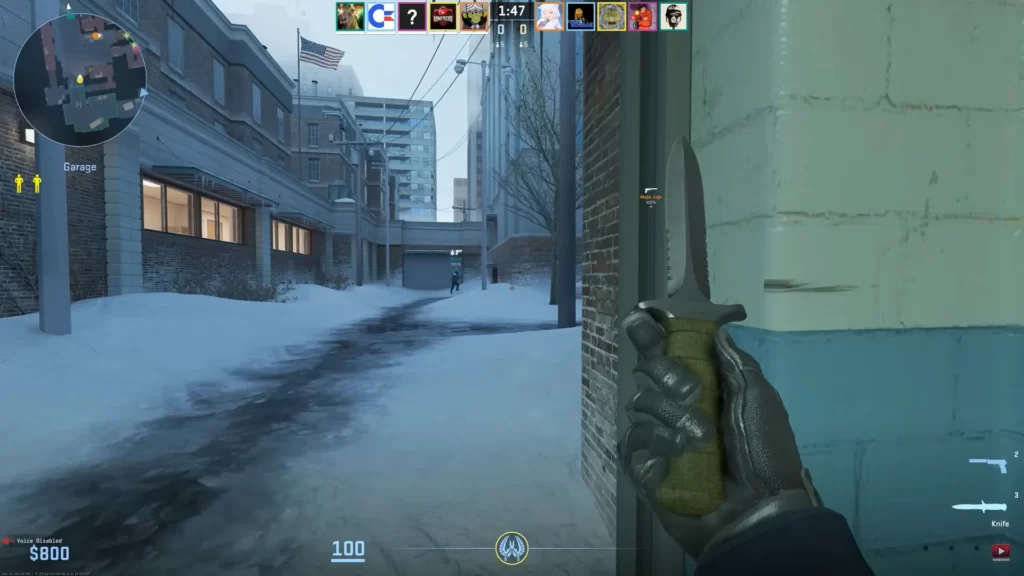
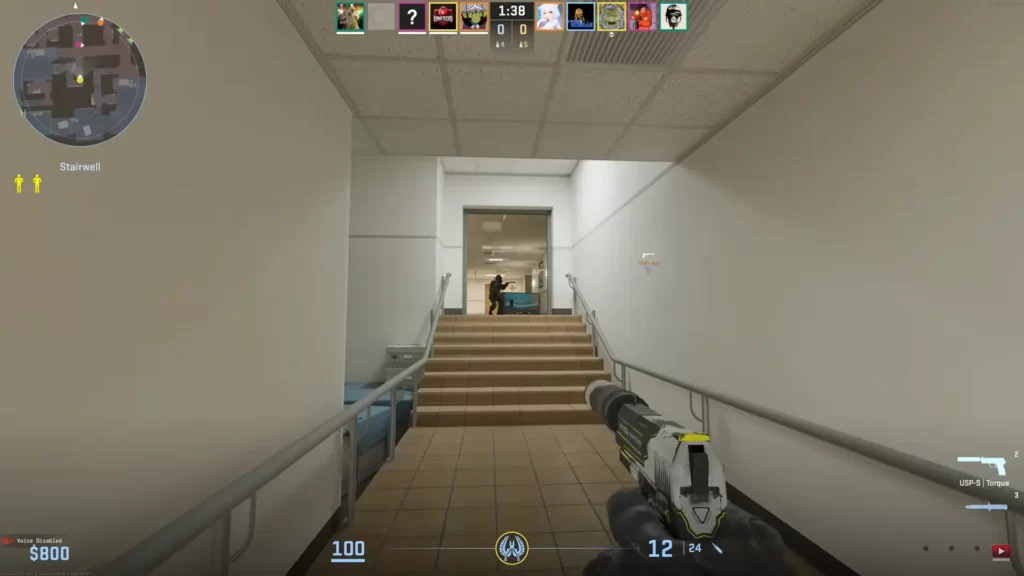
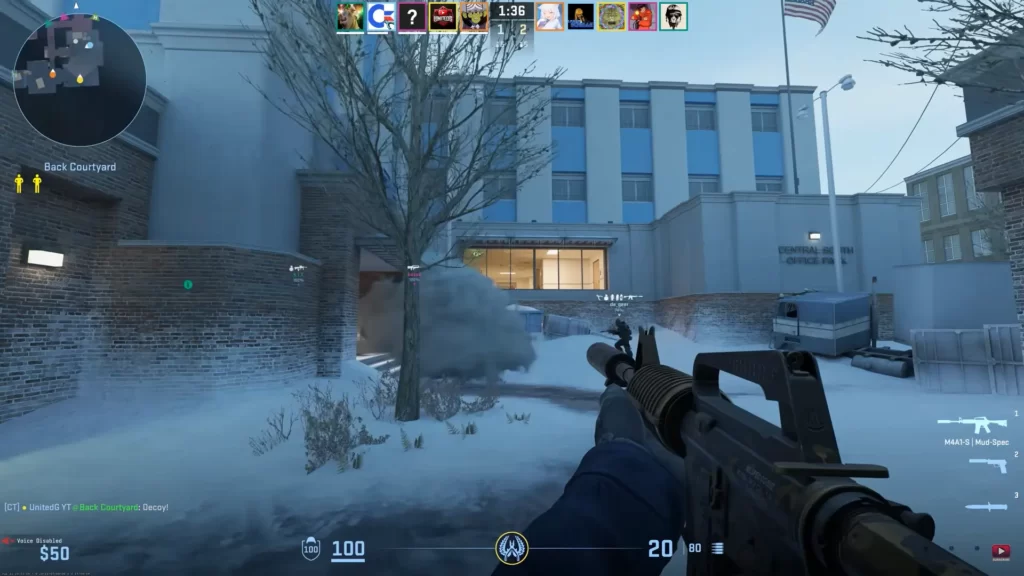
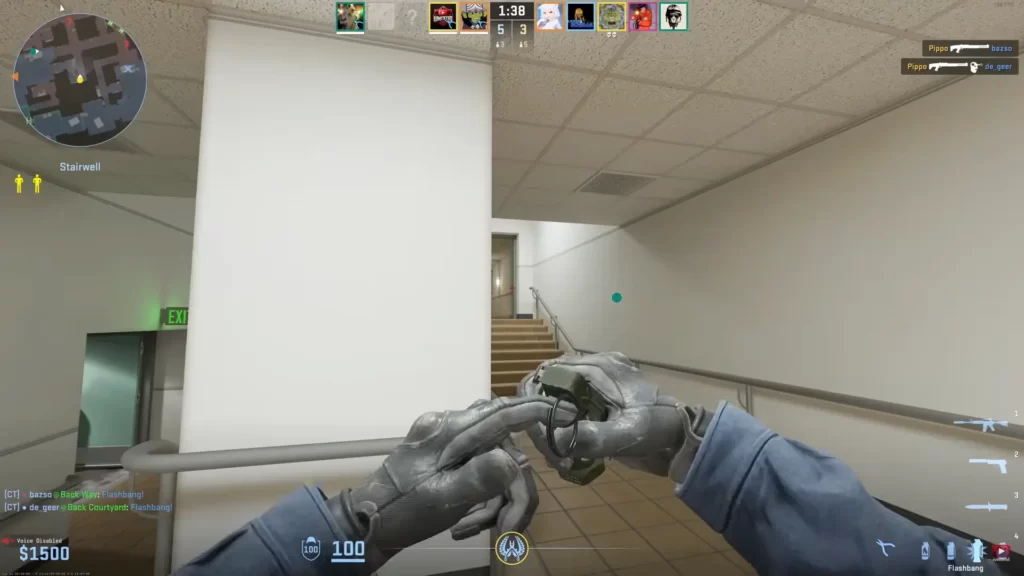
In Counter-Strike 2, the viewmodel dictates the positioning of your character’s arms, weapon, and hands on the screen, directly influencing your field of view, aiming consistency, and overall gameplay experience.
In this guide, you’ll discover the importance of viewmodels in CS2. I will evaluate the popular options, and provide guidance on choosing the best setup for various playstyles and preferences.
Styled Document
Key Takeaways
Develop a deeper understanding of what the viewmodel is and why it’s important.
Learn more about the available viewmodel options in CS2.
Viewmodels are more than an aesthetic choice; they are critical for competitive performance. The positioning of your weapon can impact:
Field of View (FoV): A cluttered viewmodel can obscure critical areas of the screen, making it harder to spot enemies or utilities like grenades.
Focus and Muscle Memory: Consistent weapon positioning helps maintain aim stability, especially during fast-paced firefights.
Comfort and Personalization: Players have unique preferences for how their game looks and feels, which is why viewmodel customization options are essential.
Key Viewmodel Commands in CS2
CS2 carries over several adjustable parameters from CS:GO, enabling players to tweak their viewmodel settings. Key commands include:
viewmodel_offset_x: Adjusts the horizontal position of the weapon.
viewmodel_offset_y: Adjusts the forward or backward position.
viewmodel_offset_z: Adjusts the vertical placement of the weapon.
cl_righthand: Toggles the weapon between the right and left hand.
viewmodel_fov: Changes the field of view, determining how much of the weapon is visible on screen.
Valve ensures that these settings remain within a restricted range to maintain fairness and prevent gameplay exploits.
Overview: This configuration centers the weapon closer to the traditional default position, making it feel balanced for players transitioning from CS:GO.
Settings:
viewmodel_offset_x: 0
viewmodel_offset_y: 1
viewmodel_offset_z: -1
Pros: Familiar positioning for veteran players, good balance between aesthetics and functionality.
Cons: Slightly more screen clutter compared to minimal setups.
Tight maps like Inferno or Mirage may require minimal setups for better peripheral vision, while open maps like Overpass allow for slightly larger configurations.
3. Aesthetic Preferences
Players who value immersion might lean toward maximized visibility setups to appreciate CS2’s detailed weapon models and animations.
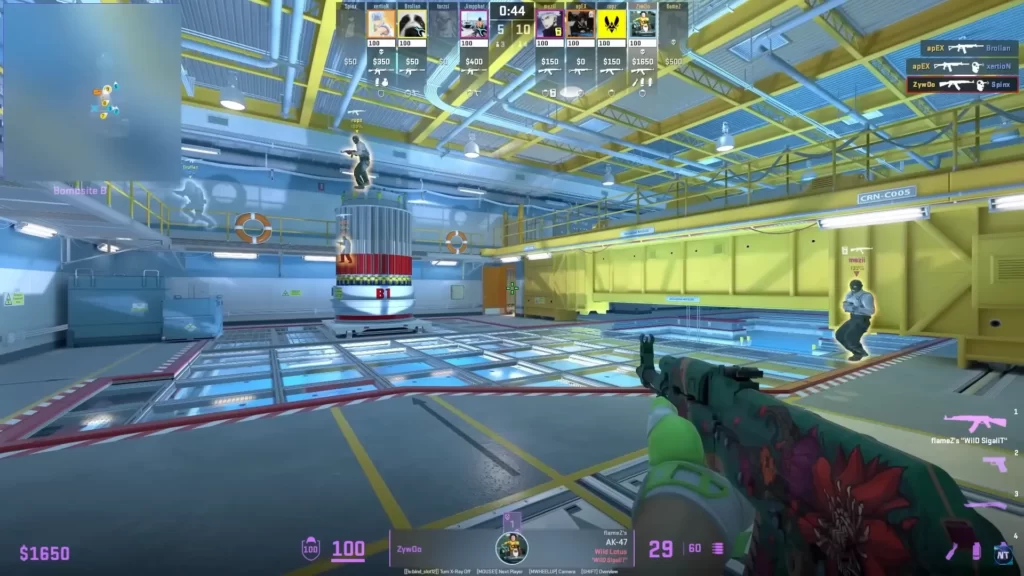
ZywOo, one of CS2’s top players, uses a viewmodel setup that maximizes screen visibility and minimizes distractions. His settings are:
viewmodel_fov 68
viewmodel_offset_x 2.5
viewmodel_offset_y 0
viewmodel_offset_z -1.5
viewmodel_presetpos 3
This configuration positions the weapon slightly to the right and lower on the screen, providing a clearer view of the environment, which is crucial for precise aiming and situational awareness.
Their setups serve as a starting point for players looking to emulate professional habits while customizing their experience.
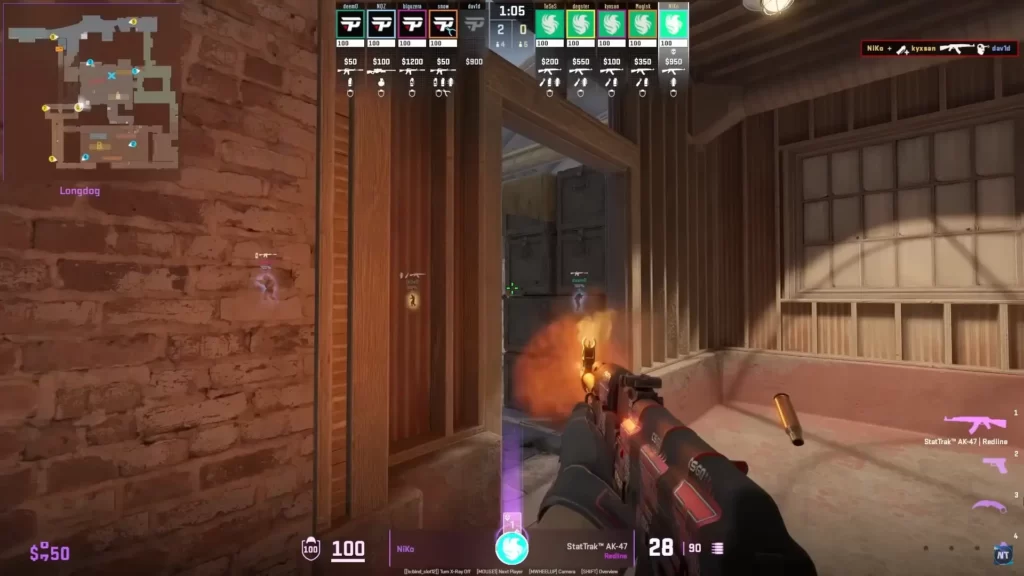
NiKo, the star rifler for Team Falcons, utilizes a CS2 viewmodel configuration designed to enhance visibility and maintain a clear line of sight during gameplay. His current settings are:
viewmodel_fov 65
viewmodel_offset_x -0.5
viewmodel_offset_y 1
viewmodel_offset_z -2
viewmodel_presetpos 1
This setup positions the weapon model slightly to the right and lower on the screen, minimizing obstruction and allowing for better target acquisition. Such a configuration is common among professional players seeking optimal performance.
The best viewmodel in Counter-Strike 2 is ultimately one that aligns with your gameplay style, visual preferences, and comfort. While minimal setups dominate the competitive scene for their focus on visibility and precision, casual players may prefer configurations that highlight CS2’s improved graphics and weapon designs.
It depends on your preferences but the game itself offers you excellent options to choose from. Many players prefer a centered, minimal viewmodel for better visibility. A popular setup includes: viewmodel_fov 68 viewmodel_offset_x 2.5 viewmodel_offset_y 0 viewmodel_offset_z -1.5
Does viewmodel matter in CS2?
It certainly does. Some viewmodel options could help you aim significantly better.
What is the best FOV setting for CS2?
By far, the most important FOV setting in CS2 is the viewmodel FOV, which can be adjusted using the viewmodel_fov command. A value of 68 is considered optimal by most players.
What is viewmodel FOV in CS2?
Viewmodel FOV in CS2 (Field of View) determines how much of your weapon and hands are visible on screen. A higher value (up to 68) makes the weapon appear smaller and farther away, increasing visibility. Lower values bring the weapon closer but can obstruct more of your view.